ConvertFlow
A downloadable tool for Windows, macOS, Linux, and Android
ConvertFlow – Full-Stack File Converter Web App (Python + Flask)
Launch your own file conversion website in minutes. Fully working backend — just deploy and go.
🔄 What is ConvertFlow?
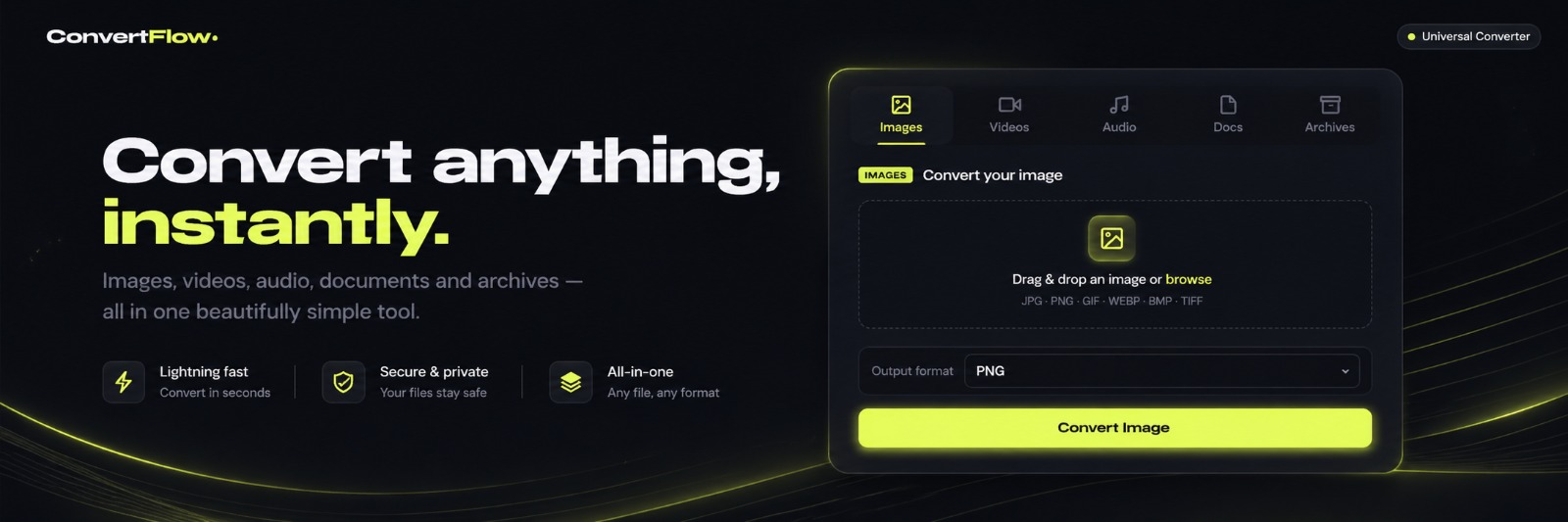
ConvertFlow is a complete, production-ready file converter web application built with Python and Flask. It handles images, videos, audio, documents, and archives — all from one clean web interface.
No third-party APIs. No subscriptions. No usage limits. You own the entire codebase and run it on your own server.
✨ What It Can Convert
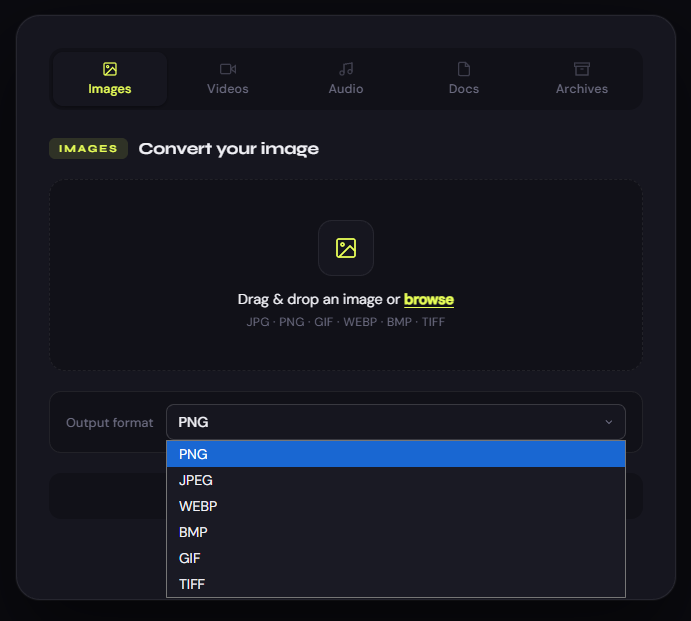
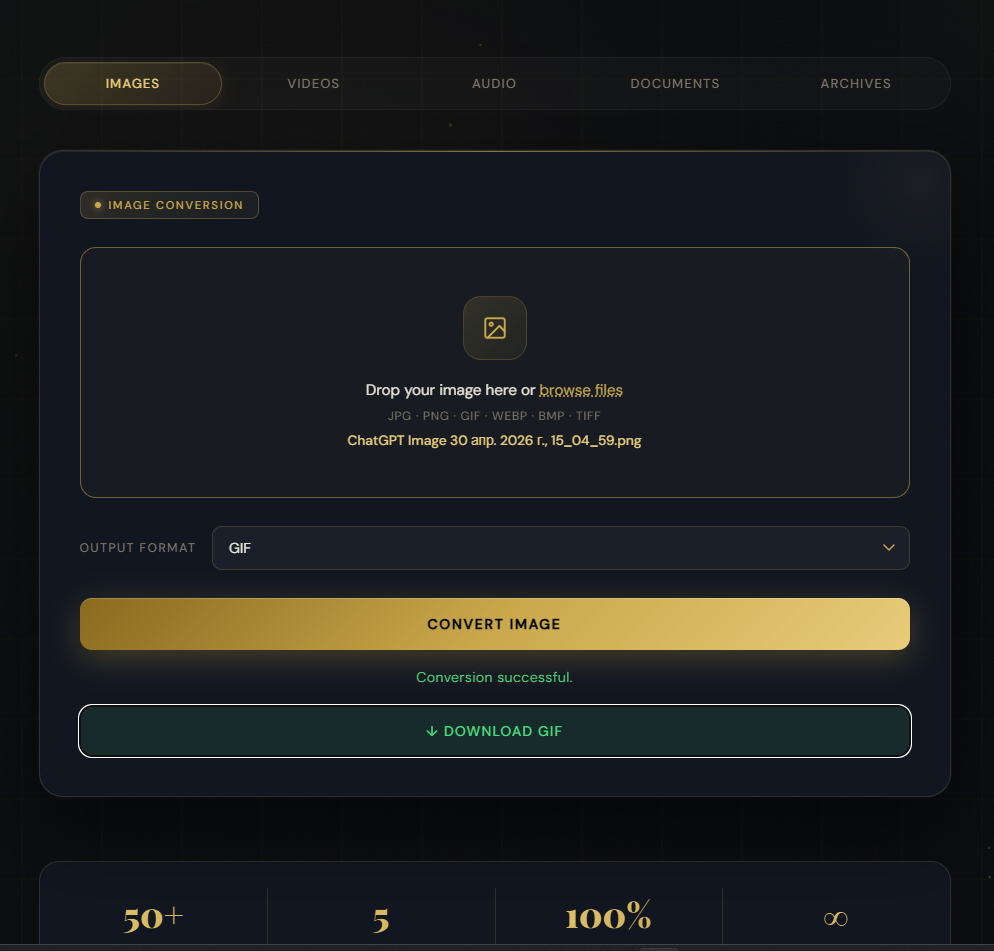
🖼️ Images PNG, JPG, JPEG, WEBP, BMP, GIF, TIFF
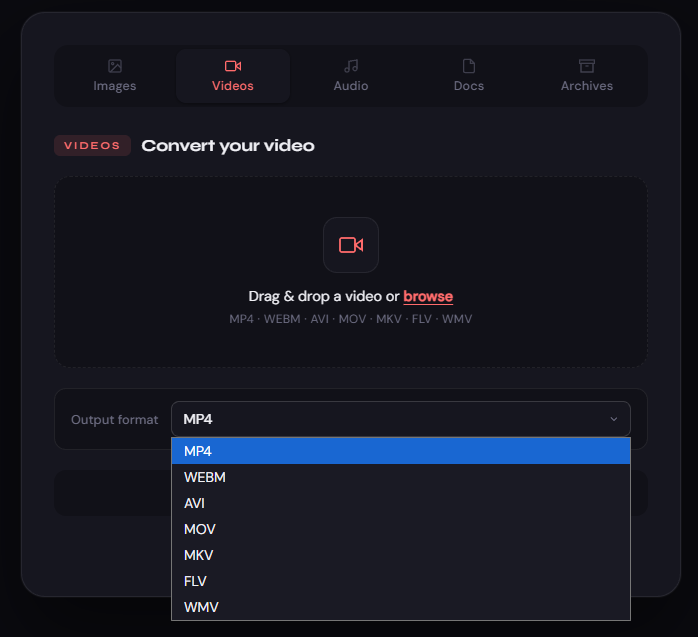
🎬 Videos MP4, WEBM, AVI, MOV, MKV, FLV, WMV Powered by FFmpeg with optimised codec settings per format
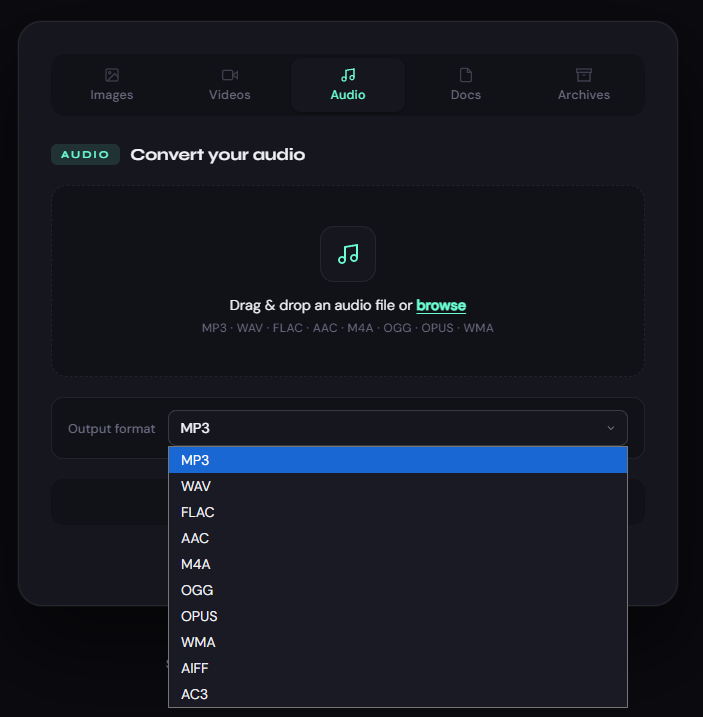
🎵 Audio MP3, WAV, FLAC, AAC, M4A, OGG, OPUS, WMA, AIFF, AC3 Supports optional bitrate control
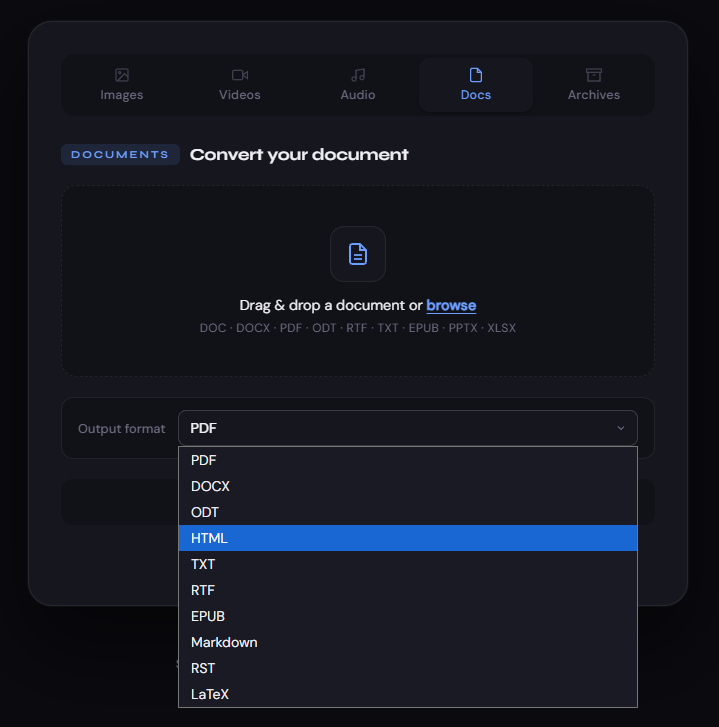
📄 Documents PDF, DOCX, ODT, TXT, HTML, RTF, EPUB, Markdown, RST, LaTeX Powered by Pandoc
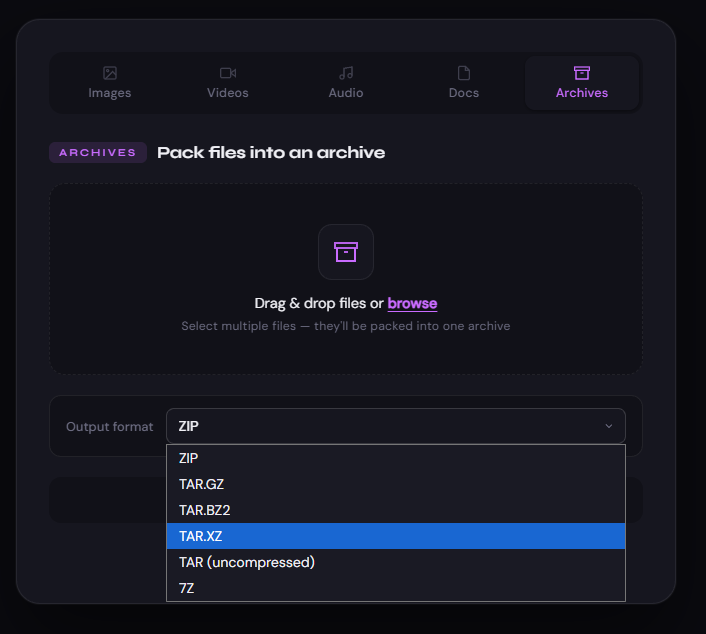
🗜️ Archives ZIP, TAR, TAR.GZ, TAR.BZ2, TAR.XZ, 7Z Create compressed archives from multiple uploaded files
🛠️ Tech Stack
- Language: Python 3
- Framework: Flask
- WSGI Server: Gunicorn
- Image Processing: Pillow
- Video & Audio: FFmpeg (via subprocess)
- Documents: Pandoc + wkhtmltopdf
- Archives: Python stdlib + 7zip
📁 What You Get
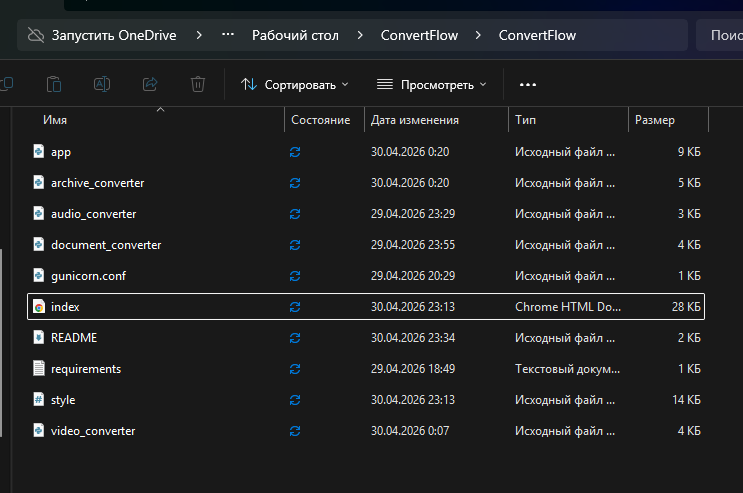
ConvertFlow comes with a clean, well-structured full-stack codebase that’s easy to understand and extend. At its core is a Flask application that handles all routing and backend logic.
The system is modular, with dedicated components for each conversion type — audio, video, documents, and archives — making it simple to customise or expand. Media processing is powered by FFmpeg, document conversion uses Pandoc, and archive creation is handled using Python’s standard tools together with 7zip.
A ready-to-use frontend is included, featuring a simple HTML interface and clean styling, so you can launch immediately without designing anything from scratch.
Deployment is straightforward thanks to a pre-configured Gunicorn setup optimised for handling large files, along with a requirements file for quick dependency installation. A detailed README walks you through setup and deployment step by step.
The application is also built with real-world usage in mind:
- Supports uploads up to 500MB, including large video files
- 10-minute processing timeout for heavy conversions
- Automatic cleanup of temporary files after each job
- Clear error handling with user-friendly messages
- Correct MIME types for seamless file downloads
🚀 Deploy to Render.com in 2 Minutes
This project is built and tested for Render.com deployment.
Build command: pip install -r requirements.txt Start command: gunicorn app:app
That’s it. No complicated setup. No Docker. No config files to dig through.
👤 Who Is This For?
- Developers who want a ready-made converter backend to build on
- Freelancers looking to offer a conversion tool to clients
- Indie makers who want to launch a SaaS tool without starting from scratch
- Students learning Flask who want a real-world project to study
❓ FAQ
Do I need any experience to deploy it? Basic comfort with Git and a Render.com account is enough. The README walks you through every step.
Does it need a paid Render plan? The free tier works, but may spin down after inactivity. A paid plan is recommended for consistent uptime.
Can I modify and resell the code? You can use and modify it for your own projects. Redistribution or resale of the source code itself is not permitted.
Does it require a database? No. Everything is stateless — files are converted in memory and returned directly to the user.
Purchase
In order to download this tool you must purchase it at or above the minimum price of £100 GBP. You will get access to the following files:
Leave a comment
Log in with itch.io to leave a comment.